Directed Graph Plugin Examples

04 July 2024 - 12:53 | Version 2 |

Howto

HowtoDirectedGraphs has a basic howto on creating directed graphs using dot. The below examples show some of the capabilities of the DirectedGraphPlugin

Examples

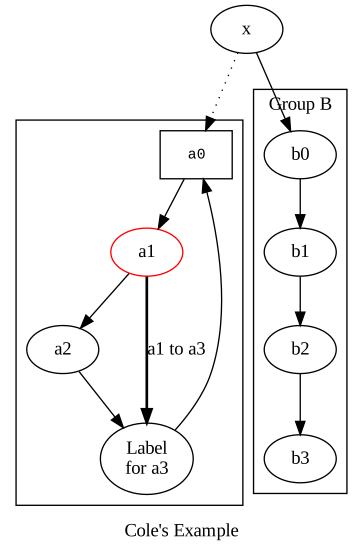
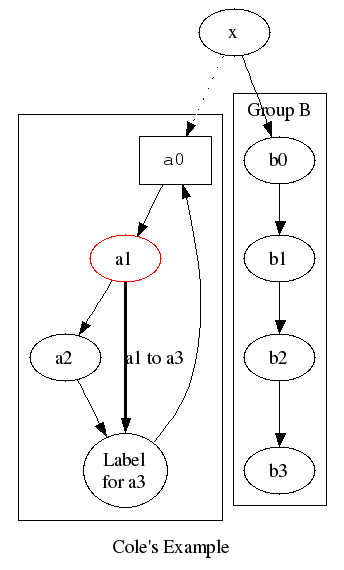
Cole's example

You type:

<dot >
digraph G {
    subgraph cluster_c0 {a0 -> a1 -> a2 -> a3}
    subgraph cluster_c1 {
        b0 -> b1 -> b2 -> b3;
        label="Group B";
    }
    x -> a0 [style=dotted];
    x -> b0;
    a1 -> a3 [style=bold, label="a1 to a3"];
    a3 -> a0;
    a0 [shape=box, fontname=Courier, fontsize=11];
    a1 [color=red];
    a3 [label="Label\nfor a3"];
    label="Cole's Example";
}
</dot> 
You get: (simulated)
graphsample.png
You get: (if installed)

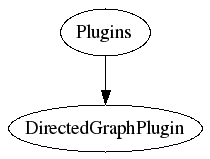
Clientside imagemap (clickable nodes and edges)

You type:

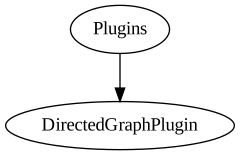
<dot map="1" size="auto" antialias="on">
digraph G {
    URL="http://foswiki.org";
    Plugins [URL="http://foswiki.org/Extensions"];
    DirectedGraphPlugin [URL="http://foswiki.org/Extensions/DirectedGraphPlugin"];
    Plugins -> DirectedGraphPlugin;
}
</dot>
You get: (simulated)
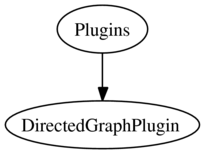
You get: (if installed)
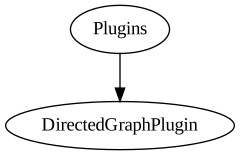
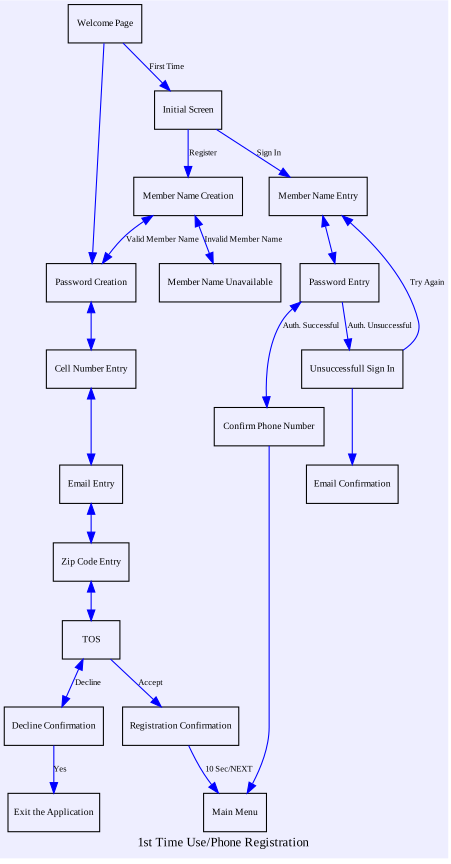
You get: (simulated, antialiasing on)
graphsample2_antialiased.png
You get: (if installed, antialiasing on)

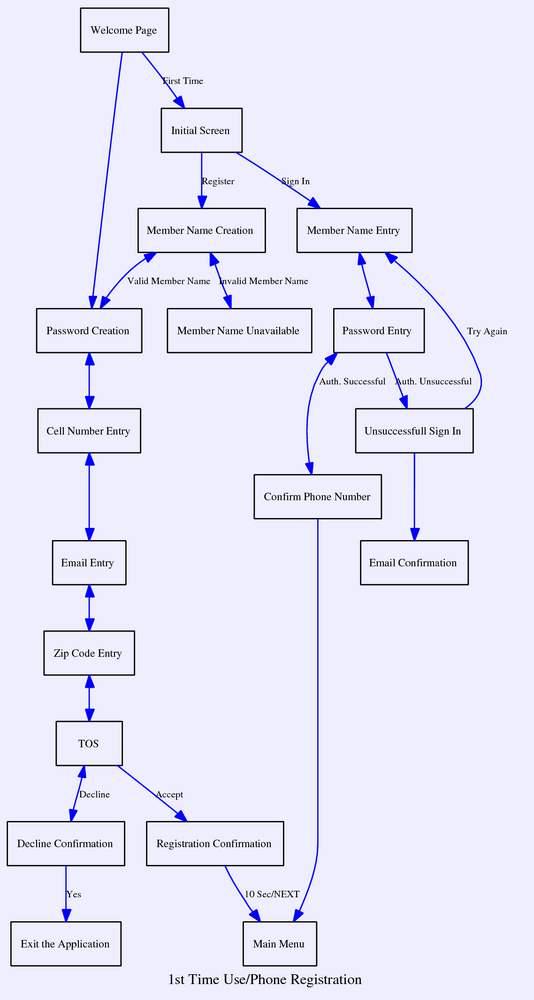
Usecase description / state diagram

To view the dot input for this example, click the [dot] link located below the diagram.

You get: (simulated)
usecase_sample.png
You get: (if installed)

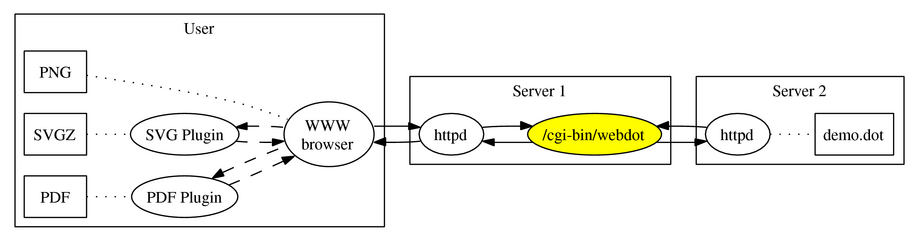
Component architecture (inline SVG)

This is a typical example of a component architecture drawing (This kind of graph is also easy to do in Foswiki:Extensions.JHotDrawPlugin if you like the look but you prefer to draw it manually using your mouse).

Click the [dot] link located below the diagram to view the input. Note that this example is an inline SVG with fallback to PNG

You get: (simulated)
sample_component_architecture.png
You get: (if installed)
G cluster_0 User cluster_1 Server 1 cluster_2 Server 2 browser WWW browser httpd1 httpd browser->httpd1 browser->httpd1 svgplugin SVG Plugin svgplugin->browser svgplugin->browser pdfplugin PDF Plugin pdfplugin->browser pdfplugin->browser pngpage PNG pngpage->browser svgpage SVGZ svgpage->svgplugin pdfpage PDF pdfpage->pdfplugin webdot /cgi-bin/webdot httpd1->webdot httpd1->webdot httpd2 httpd webdot->httpd2 webdot->httpd2 demo.dot demo.dot httpd2->demo.dot

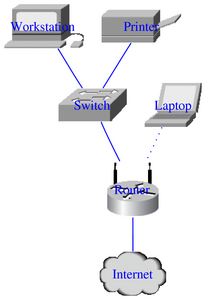
Simple LAN setup (custom icons / shapefiles)

This type of graph can also easily be extended, for instance making network nodes clickable, pointing to asset databases or similar.

Click the [dot] link below the diagram to view the input.
You get: (simulated)
sample_simple_lan_setup.png
You get: (if installed)
You get: (if installed, antialiased)

Related Topics: HowtoDirectedGraphs

This site is powered by FoswikiCopyright © by the contributing authors. All material on this collaboration platform is the property of the contributing authors.
Ideas, requests, problems regarding arbeitsgruppe.ch? Send feedback
This page was cached on 01 Feb 2026 - 21:42.